In the third unit of Honors Engineering, we learned how to program Arduinos to control LEDs.
We learned to program Arduinos using a website called Giffer Reborn. Giffer Reborn is an LED simulator that allows us to write and test code on a website without having to constantly deploy it to the physical Arduino. While this tool is helpful because it can automatically grade our work, I found the interface to be a bit dull. The language used to program Arduinos is C++. Below is an image of the Giffer home page.
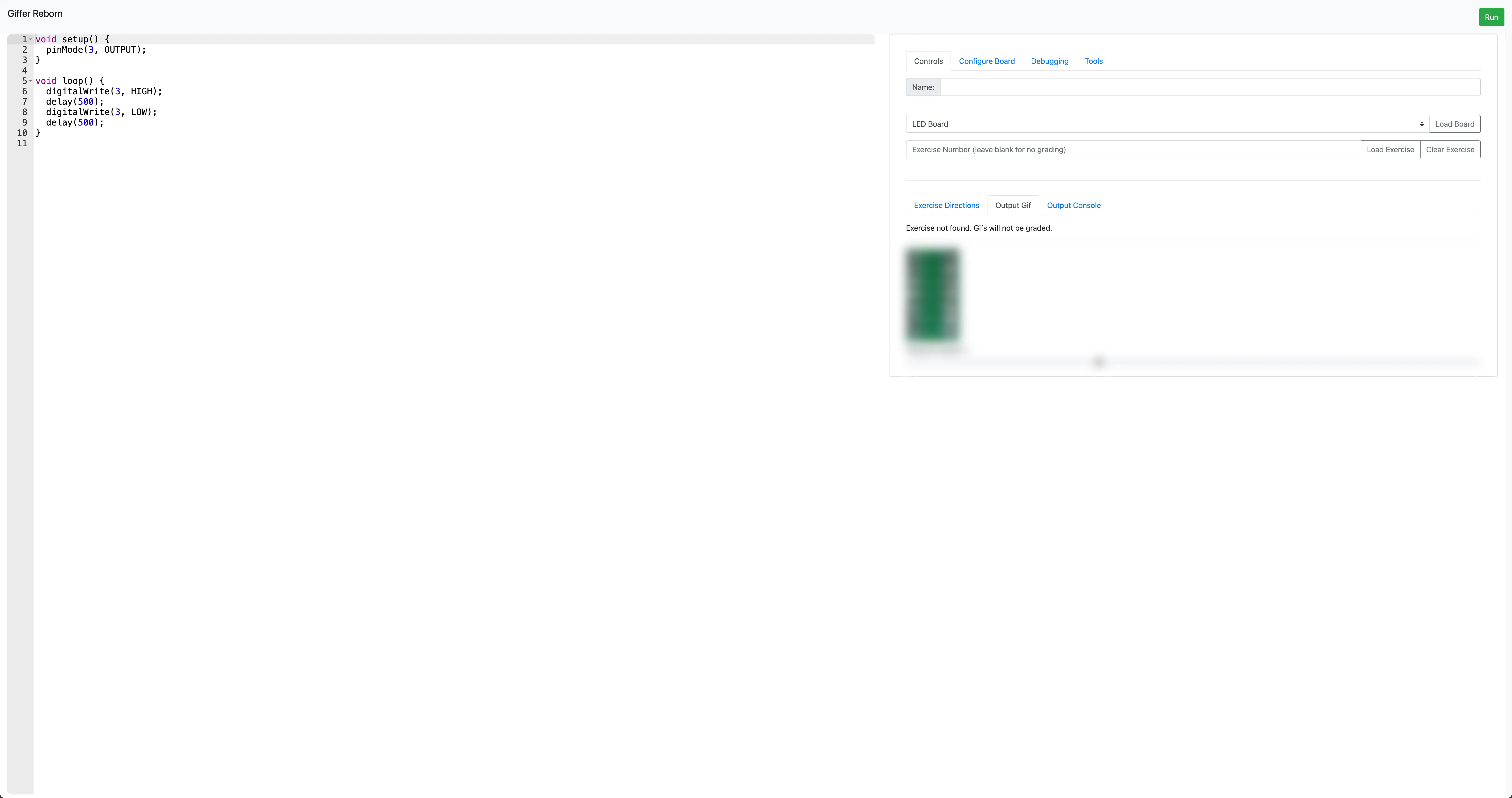
To program Arduinos, there are two functions that are absolutely vital to know:
- void setup(): This function is called at the start of the program and runs once. It is here where we define pins that we want to set as input or output. In our projects, we set them almost exclusively as outputs.
- void loop(): This function is called repeatedly, creating a loop. Once a loop finishes, it starts again immediately. This is where we program the majority of our LED logic, including timing and sequences.
Additionally, there are three functions we used frequently to create our light sequences:
- pinMode(pin, mode): Configures the specified pin to behave either as an INPUT or an OUTPUT.
- digitalWrite(pin, value): Writes a HIGH (on) or a LOW (off) value to a digital pin.
- delay(ms): Pauses the program for a specific amount of time (in milliseconds). (There are 1,000 milliseconds in one second.)
Exercise 12
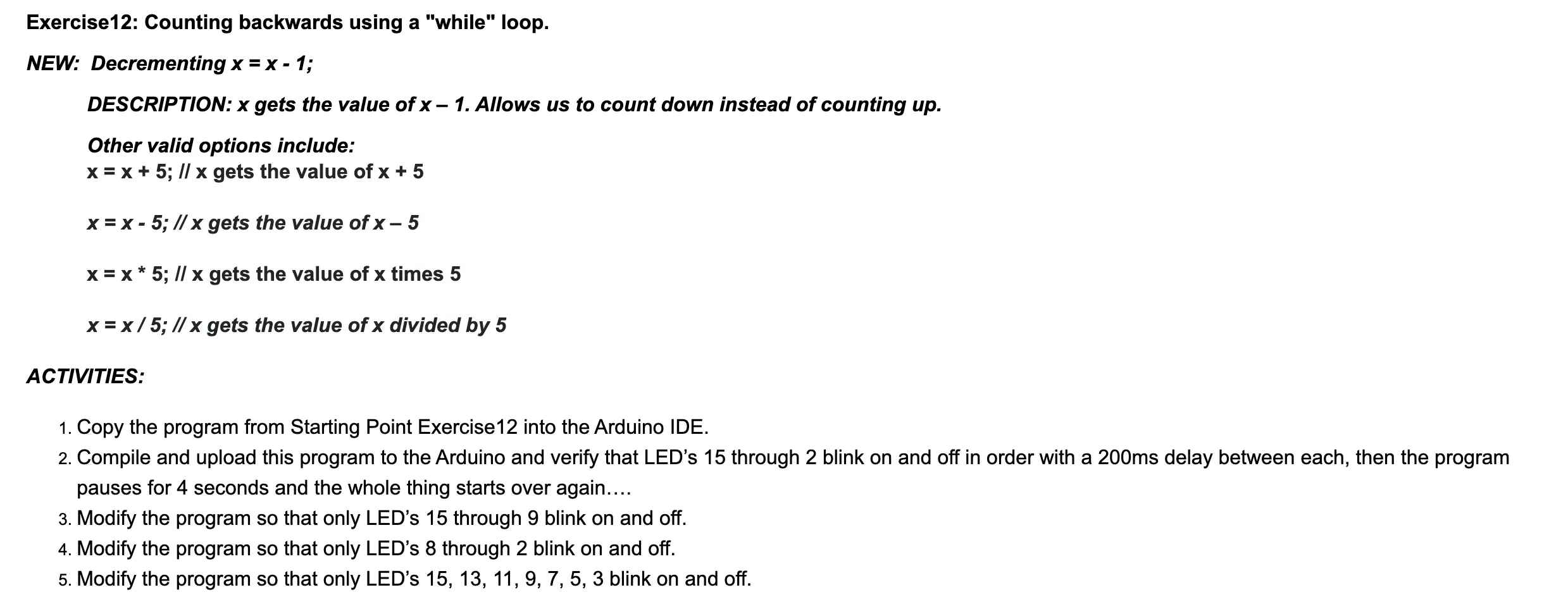
One of the exercises we completed (between Giffer 1–20) was Exercise 12. A screenshot of the prompt is shown on the right. We were asked to blink all odd-numbered pins, starting from 15 and descending to 3, then wait four seconds before restarting the cycle.
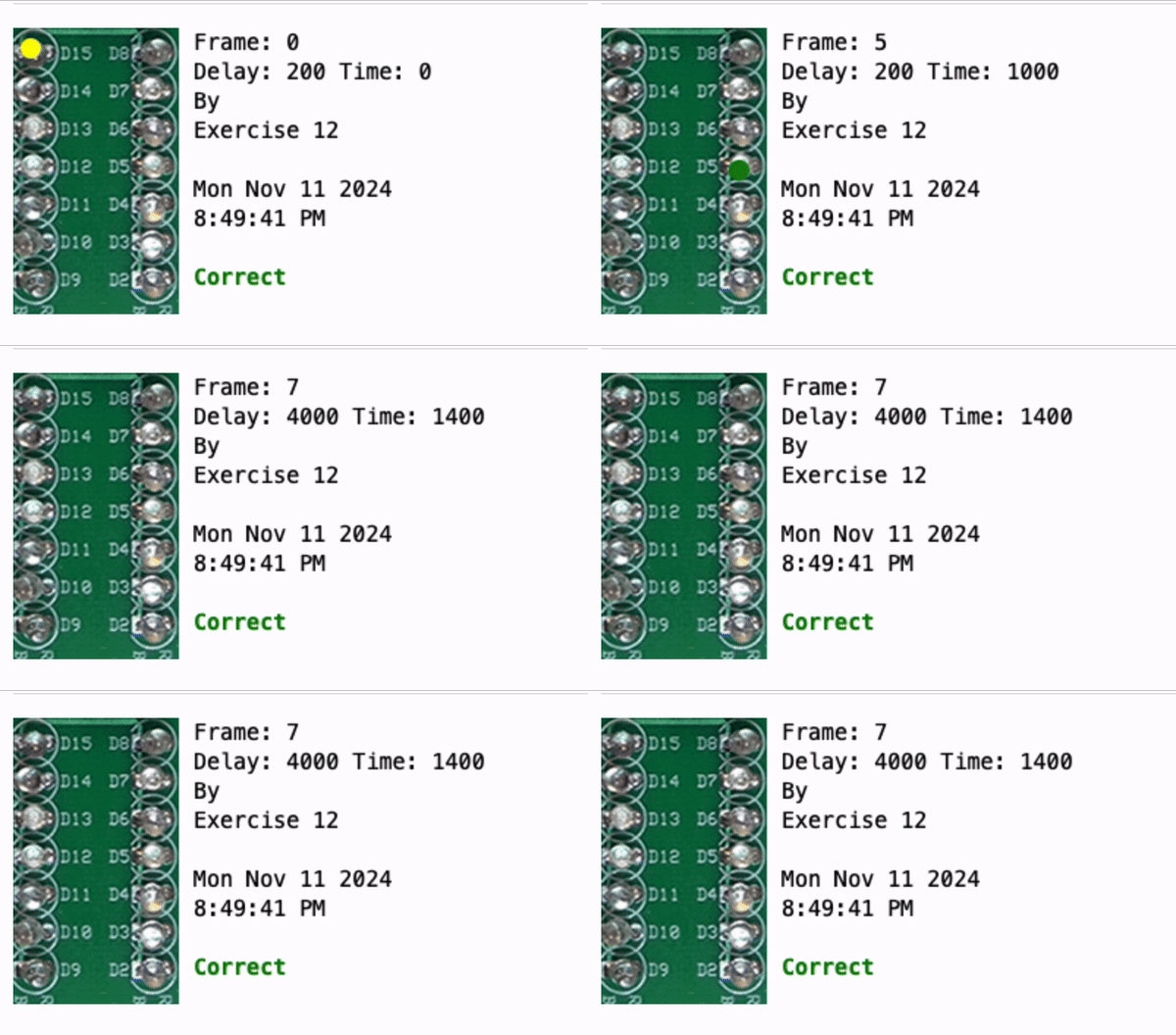
The code initializes pins 2 to 15 as outputs. In setup(), each pin is configured correctly. In loop(), the program toggles LEDs from pin 15 down to pin 3 in steps of two (15, 13, 11, etc.), turning each on and off with a 200 ms delay. After reaching the end of the sequence, a 4,000 ms delay occurs before repeating. This creates a descending "chase" effect with alternating LEDs.

Exercise 29
Exercise 29 was part of the Giffer 21–40 set. We were asked to turn all LEDs on simultaneously, then run a sequence where each LED turns off one at a time starting from pin 2 up to pin 15. This sequence repeats 10 times followed by a four-second delay. This was the first Giffer problem that did not provide any starting code.
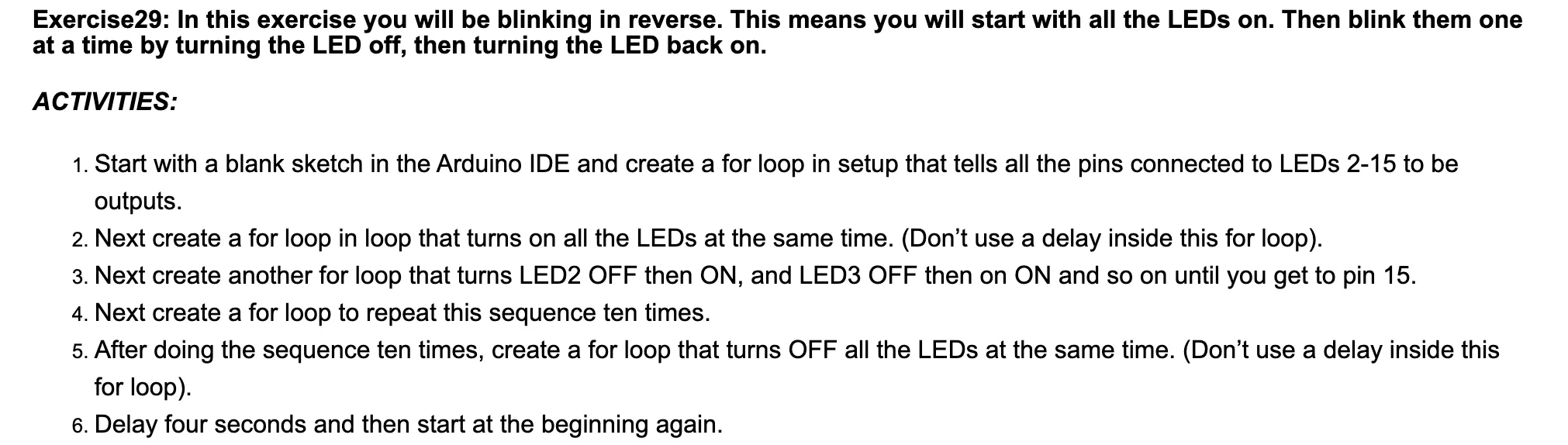
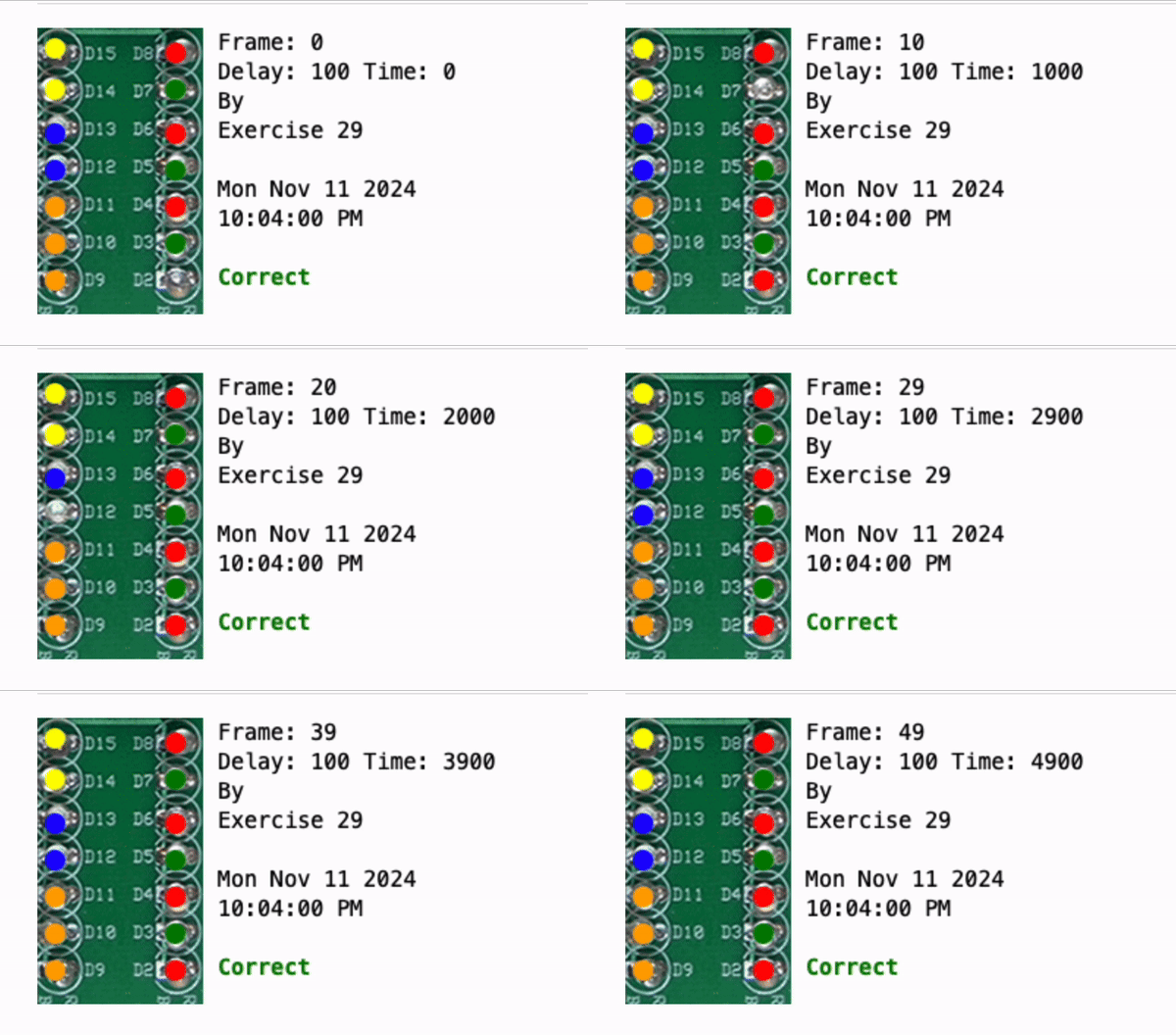
The code initializes pins 2 to 15 as outputs. In loop(), all LEDs are initially set to HIGH. A while loop then runs 10 times, toggling the state of the LEDs with a 100 ms delay to create a blinking effect. After 10 cycles, all LEDs are set to LOW for 4,000 ms before the entire process restarts.

Exercise 43
Exercise 43 introduced the use of arrays to define patterns. Using arrays makes programming complex patterns much easier and keeps the code concise. We were asked to blink LEDs 2 through 15 in order. While this is a simple task for a for loop, learning to implement it with an array is essential for handling more difficult, non-sequential patterns later on.
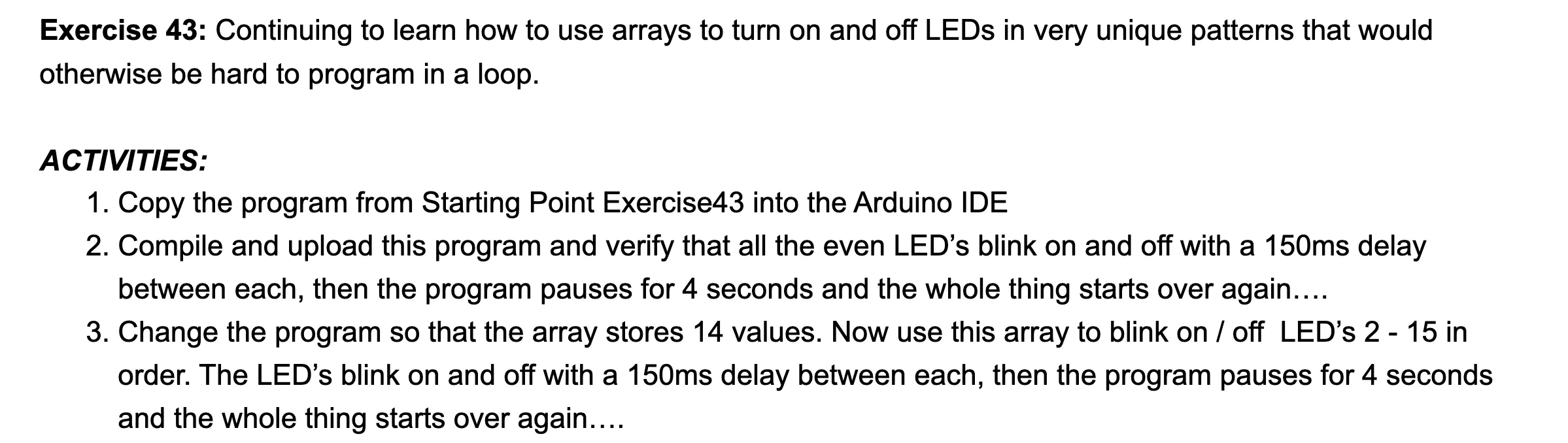
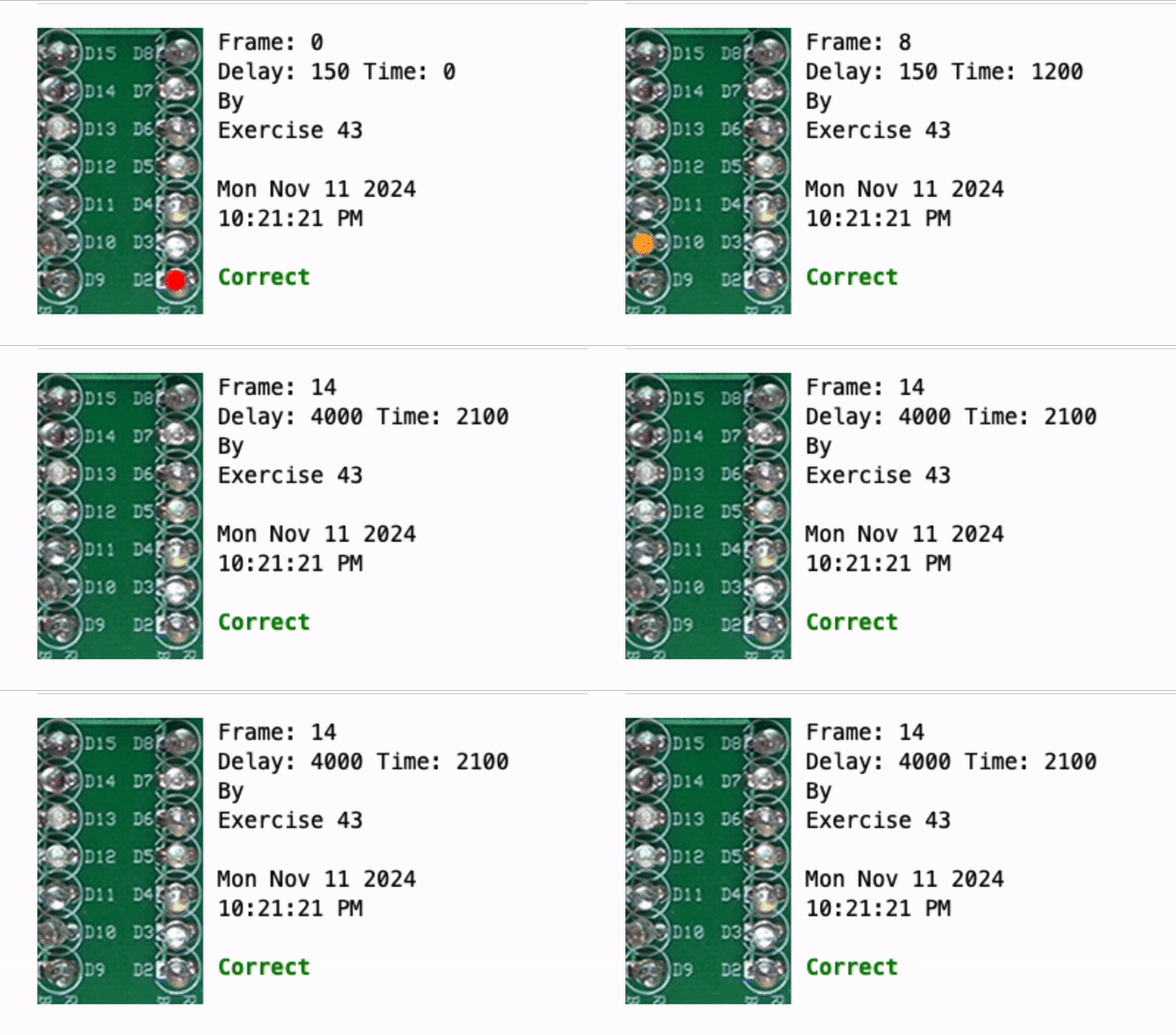
The code defines an array called myFirstArray containing the pin numbers. The program iterates through this array, turning the corresponding LED on for 150 ms and then off. The primary advantage of this method is that I can change the entire light pattern just by reordering the values in the array without needing to rewrite the logic of the loop.

Exercise 49 Video
This video shows Exercise 49 in action. The LEDs are following a specific, non-linear pattern defined entirely by an array.
Exercise 56 Video
This is a slightly modified version of Exercise 56. The code blinks the LEDs based on the analog input from a potentiometer. We use the analogRead() function to get the resistance value, which allows us to adjust the LED output or timing dynamically.
Reflection
Overall, I found this unit to be a bit slow. I already had some experience with C++, so working with Giffer felt very straightforward. However, there was very little hands-on interaction with physical Arduinos; we spent most of our time on the simulator. I struggled to stay engaged because the lack of physical results made the work feel less impactful. In my opinion, the unit would have been more effective if we had transitioned to physical hardware sooner.
On a more positive note, I was able to contribute to the class by forking the Giffer repository on GitHub to fix several bugs on the website. You can find my version here: Giffer Reborn (Patched). Most of the issues I resolved were related to the example code provided within the exercises.